
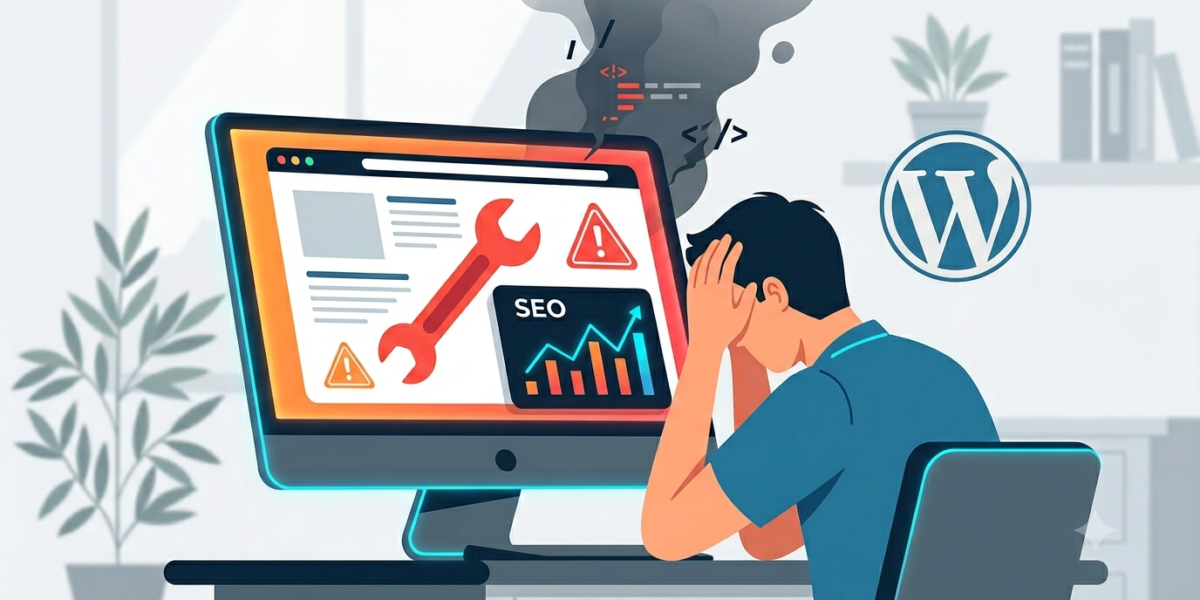
You can spend thousands of dollars on premium keyword research, obsess over your content strategy, and build high-quality backlinks until you’re blue in the face. But if your website is built on top of a bloated, poorly coded framework, you might be running a marathon with weights tied to your ankles.
In the world of WordPress, it’s easy to assume that if a theme looks beautiful on the outside, it’s doing its job.
Unfortunately, the search engines crawling your site don’t care about flashy animations or massive parallax sections. They care about performance, clean architecture, and user experience. If your theme isn’t built with modern web standards in mind, it could be actively dragging down your search engine rankings.
Here is how your WordPress theme might be secretly sabotaging your SEO—and what a healthy setup looks like instead.
1. The Danger of “Plugin Soup” Themes
Go to any popular theme marketplace and you’ll see multipurpose themes advertising “100+ Built-In Features!” They promise custom sliders, built-in portfolio managers, drag-and-drop builders, and custom post types right out of the box.
While that sounds great for convenience, it’s a nightmare for performance.
To support all those features, the theme has to load massive stylesheets (CSS) and heavy scripts (JavaScript) on every single page, even if you’re only using a fraction of them. Google calls this “unused code,” and it massively delays how quickly your page becomes interactive.
The Fix: Switch to a lightweight, modular framework (like GeneratePress, Astra, or a tailored custom block setup). A good theme should act as a clean, minimal canvas. If you need a specific feature like a portfolio or a contact form, handle it via dedicated, highly optimized plugins that only load code where it’s actually needed.
2. Failing the Core Web Vitals Test
Google uses a set of specific metrics called Core Web Vitals to judge the user experience of your site. Heavy, off-the-shelf themes frequently tank these scores in two main areas:
-
Largest Contentful Paint (LCP): How fast the main content loads. Bloated themes delay this because the browser is too busy downloading megabytes of bulky styling scripts.
-
Cumulative Layout Shift (CLS): Visual stability. Have you ever tried to read a page, but the text suddenly jumps down because an image or an unoptimized font loaded late? That’s layout shift. Poorly coded themes lack proper layout constraints, causing elements to dance around as the page loads. Google penalizes this frustrating experience.
[ Bloated Theme ]  --> High CLS / Slow LCP --> Poor User Experience --> Dropping Rankings
[ Clean Theme ]    --> Stable Layout / Fast LCP --> Smooth User Experience --> Ranking Boost
The Fix: Run your site through Google PageSpeed Insights. If you see major warnings about “Reduce unused JavaScript” or “Eliminate render-blocking resources,” your theme’s structural code is likely the culprit.
3. Messy Header Tags and Broken Hierarchy
Search engine crawlers rely on your site’s HTML structure to understand what your content is actually about. Properly ordered header tags ($H1$, $H2$, $H3$) act as the table of contents for a page.
Many commercial themes misuse these tags for aesthetic reasons rather than structural ones. For example, a developer might hardcode a sidebar widget or a footer menu to use an $H1$ or $H2$ tag just because they wanted that text to look big.
When a search engine bot crawls that page, it gets incredibly confused. If your sidebar text is flagged with the same structural importance as your main article headline, your keyword signals get diluted, hurting your ability to rank for your target terms.
The Fix: Use a theme that enforces strict, semantic HTML. Your main article title should be the only $H1$ on the page. Subheadings should follow a logical cascade ($H2$ leads into $H3$, and so on).
4. The Hidden Trap of Shortcode Lock-In
Many popular page builders and older themes rely entirely on shortcodes to build layout structures like columns, boxes, or buttons.
If you ever decide to change your theme in the future because it’s running too slowly, all of those shortcodes break. Suddenly, your clean content is replaced with hundreds of lines of ugly raw code (e.g.,
[custom_box]).
Not only does this ruin the experience for anyone visiting your site, but search engines will crawl that raw code clutter, rendering your text unreadable to their algorithms and destroying your rankings overnight.
The Fix: Build content using native WordPress blocks (the Gutenberg editor). Native blocks store content in clean, standard HTML. If you ever switch themes down the road, your content remains perfectly intact, clean, and readable by search engines.
The Verdict: Less is More
When it comes to WordPress themes and SEO, minimalism always wins.
A flashy website that takes five seconds to load and confuses search crawlers will never outrank a clean, lightning-fast site that delivers exactly what the user is looking for.
If you suspect your current theme is holding you back, it might be time to strip away the bloat. Investing in a lightweight foundation doesn’t mean sacrificing design flexibility—it simply means building a beautiful site on a framework that Google actually loves to reward.